Onboarding

Onboarding into CareSuite, for all general users, is by invite only, if you are not a sys admin, request an invite from your org sys admin before proceeding with these steps

Direct onboarding via Invite (1st time users):

1. Navigate to your email server and open up the email received from Nexus 211

2. Click "Join Organization"

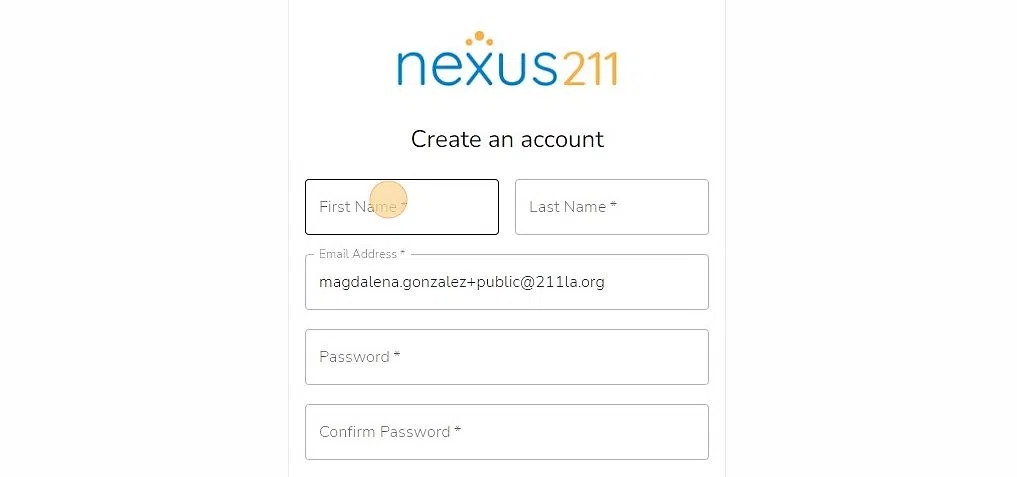
3. Click "Don't have an account? Sign up!"

4. Type in your First Name, Last Name and Email Address (it may also simply auto-populate).

Be sure to use the exact email that the invite was sent to.

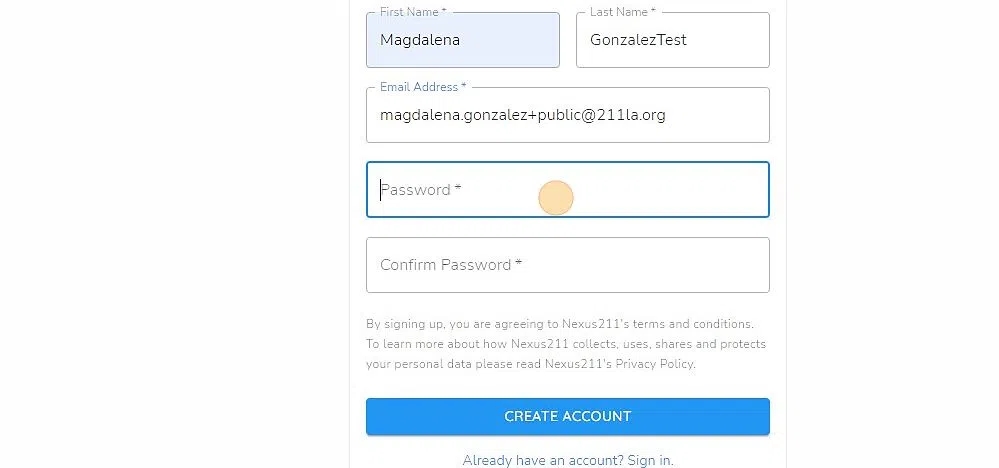
5. Create and Confirm a Password

6. Click "CREATE ACCOUNT"

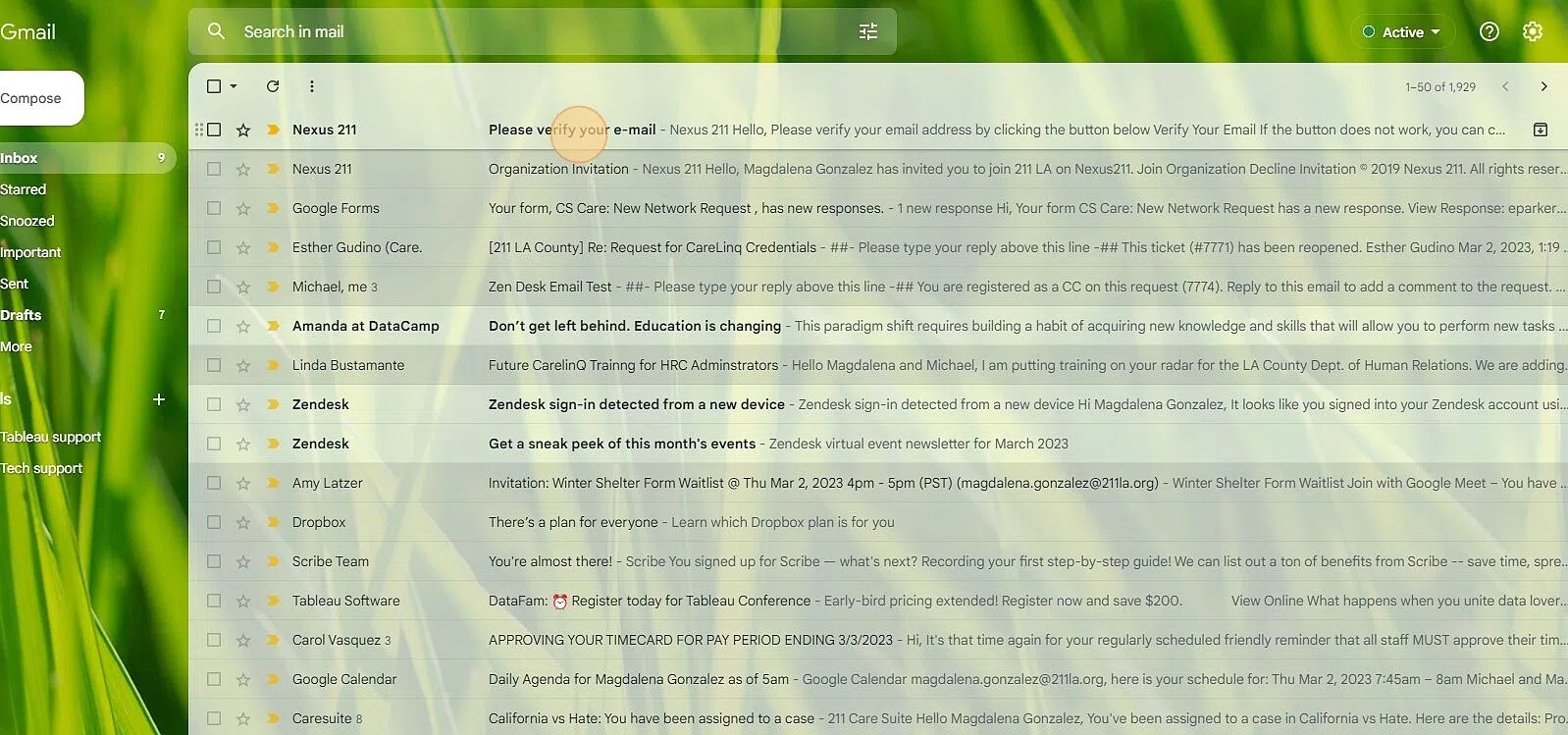
7. Verify Your Email

8. Click "SIGN IN"

9. Click "ACCEPT"

10. Navigate to https://care.211cs.org/arrow-up-right

11. Click "Login"

12. Click "SIGN IN"

13. The following error message will appear. This means you did everything right! Staff can now update your role accordingly...Please standby for further instruction.

Last updated

Was this helpful?